Automatic updates: always the newest Muslim Chat
You never have to look for an update. The Android app updates itself, the Windows app installs new versions when you are not using it, and every screen loads its newest version from the server.
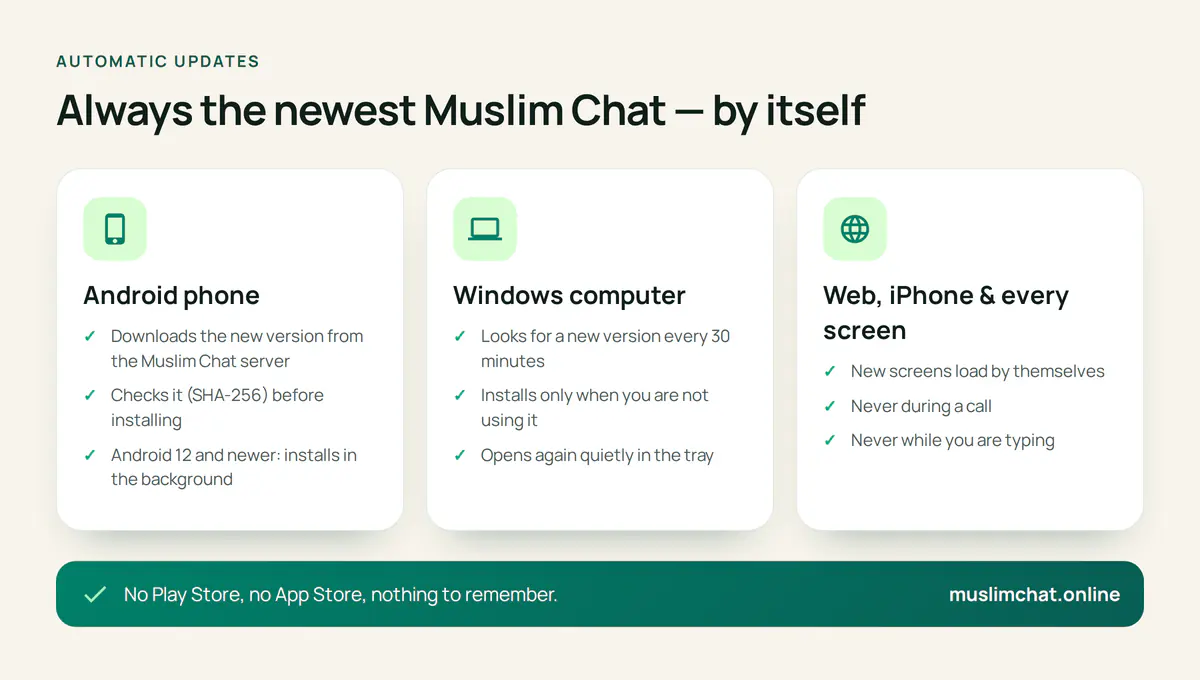
Automatic updates at a glance
- Android: downloads, checks and installs new versions by itself
- Android 12 and newer: after the first self-update, later ones install in the background
- Windows: checks every 30 minutes and installs when you are not using it, never during a call
- Mac and Linux: a notice with a Download button when a new version is out
- Web, iPhone and every app's screens: new code loads by itself — never during a call or while you type
- No Play Store or App Store needed
On Android
When a new version is published on the Muslim Chat server, every phone downloads it, checks that it is exactly the file that was published (SHA-256), and installs it. On Android 12 and newer, once Muslim Chat has updated itself one time, later updates install automatically in the background; on older phones you tap the normal Update button once. If the app is open, it asks first, because it restarts.
On computers
The Windows app looks for a new version every 30 minutes. It downloads and verifies the installer, then installs it when you are not using Muslim Chat — when the window is in the tray or minimised, you have been away from the keyboard for three minutes, no call, group call, PalChat room, radio or TeamChat session is going on, and nothing has played sound for two minutes — and opens again quietly in the tray. An update never cuts off a call. If you want it sooner, choose Restart now. On Mac and Linux, a notice offers the new version to download.
On the web and iPhone
The screens of Muslim Chat come from the server, so the web app, the iPhone app and the screens inside the Android and computer apps load new code by themselves — never during a call, and never while you are typing.
The current versions
Android: 1.8.2 · Computers: 1.7.4. See what's new.
Automatic updates in Muslim Chat
অটো আপডেট — বাংলায় সংক্ষেপে
মুসলিম চ্যাট নিজে থেকেই আপডেট হয় — অ্যান্ড্রয়েড অ্যাপ নিজে ডাউনলোড করে ইনস্টল করে, উইন্ডোজ অ্যাপ আপনি ব্যবহার না করার সময় আপডেট হয়, আর ওয়েব অ্যাপ সাথে সাথে নতুন হয়ে যায়। কল চলার সময় বা লেখার সময় কখনো নয়। Play Store লাগে না।
Automatic updates: frequently asked questions
Do I need the Play Store to update Muslim Chat?
No. The Android app downloads and installs new versions from the Muslim Chat server by itself.
When does an update install?
The screens load new code by themselves, never during a call or while you type. The Windows app installs only when Muslim Chat is in the tray or minimised and the computer has been idle for 3 minutes. On Android, an open app asks first.
How does the Windows app update?
It checks every 30 minutes and installs the new version when you are not using it, never during a call, then opens again in the tray.
Is the update safe?
Each update is checked against the SHA-256 fingerprint published by the server before it is installed.
More in Muslim Chat
Get Muslim Chat
A hadiya for all Muslim Ummah — on Android, iPhone, Windows, Mac, Linux and the web, with Premium features for those who want more.