Muslim Chat for Windows, Mac and Linux
Chat, send files and make voice and group calls from your computer, like WhatsApp Desktop — plus TeamChat, No Ad | Browser and updates that install themselves.
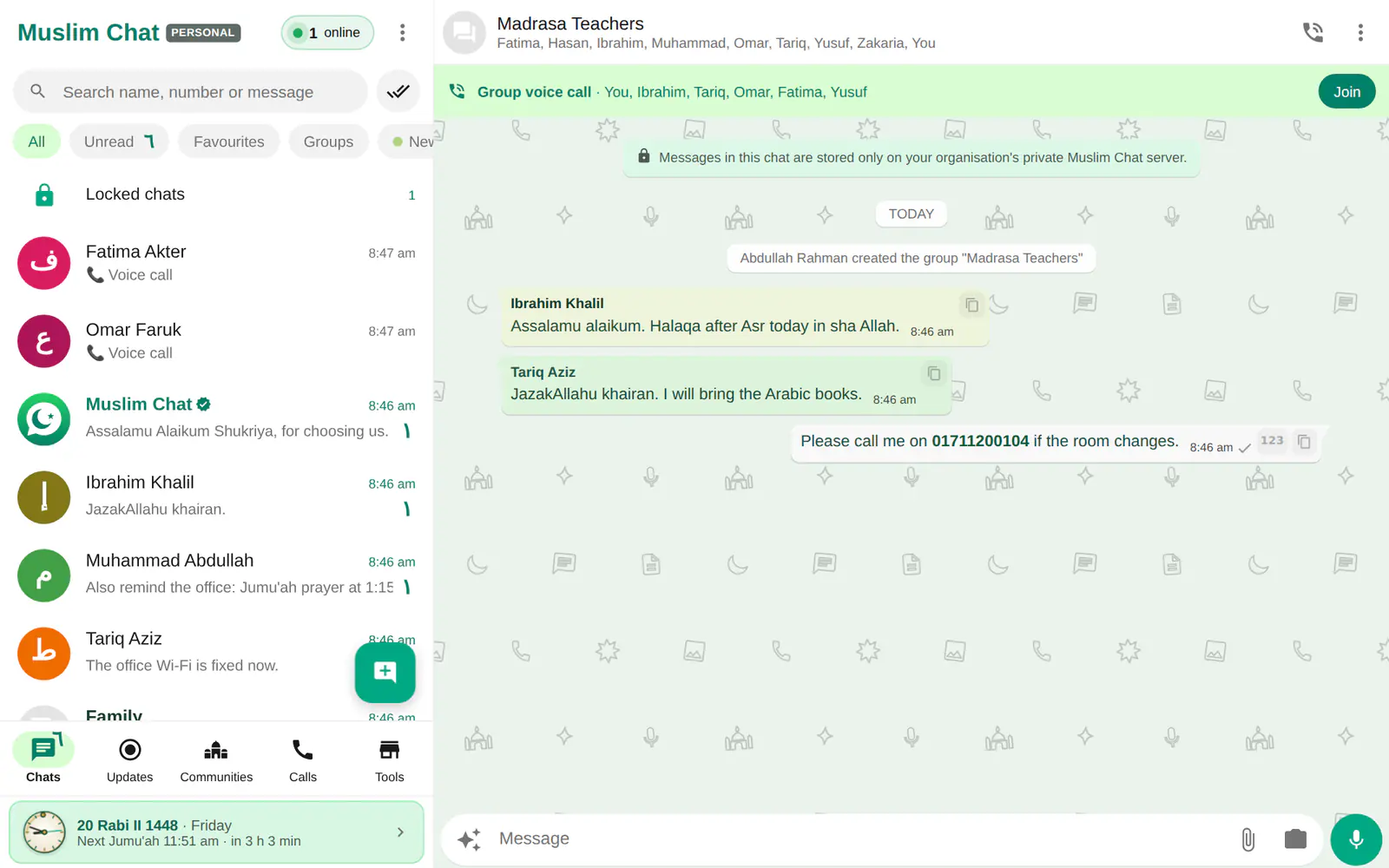
Computer app at a glance
- Windows 10 & 11, Mac (Apple chip and Intel, macOS 13+), Linux AppImage and .deb
- Log in by scanning a QR code with your phone — no password to type
- Voice calls and group calls with HD+ Voice
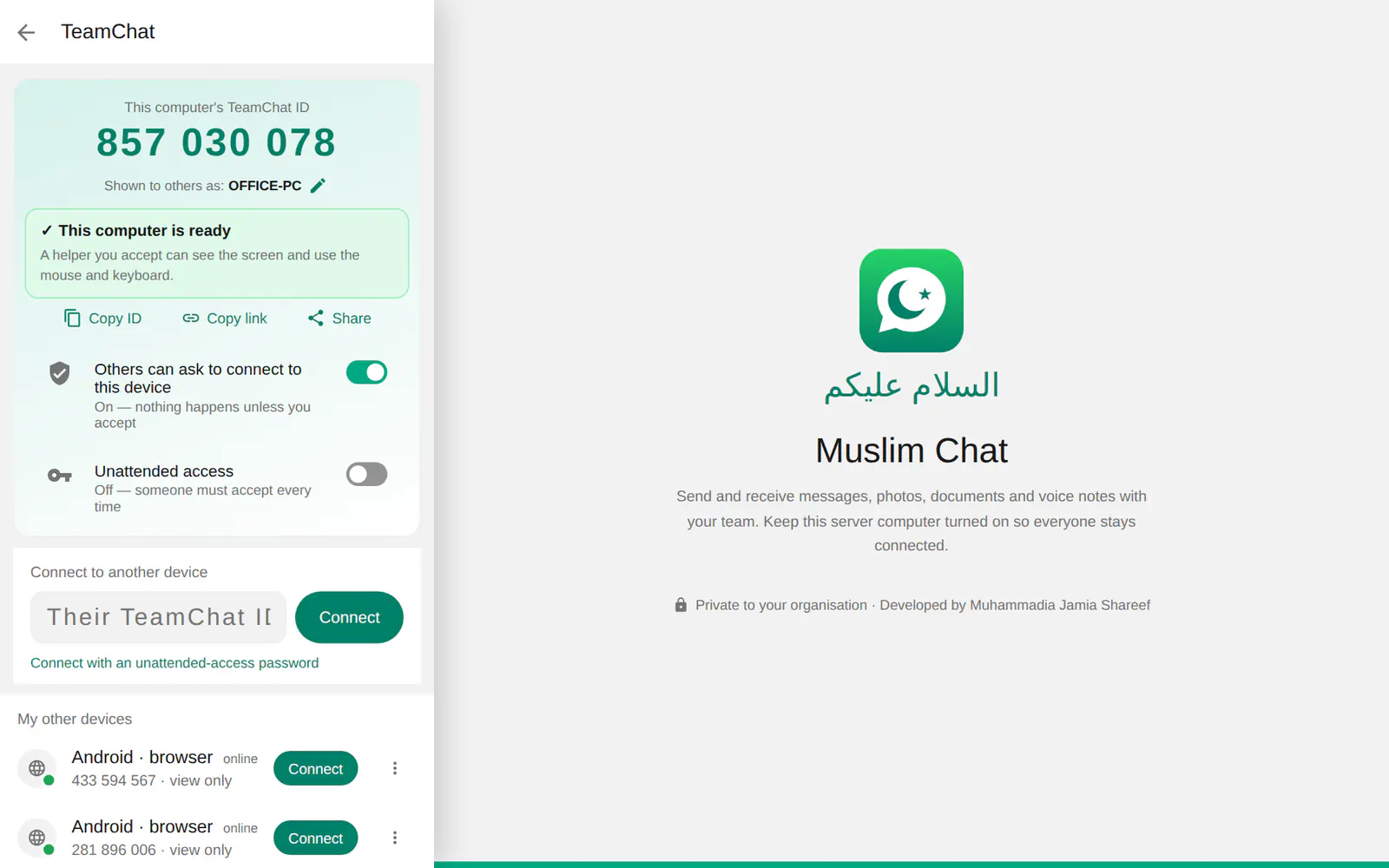
- TeamChat: be helped with full mouse and keyboard control on Windows, or help others
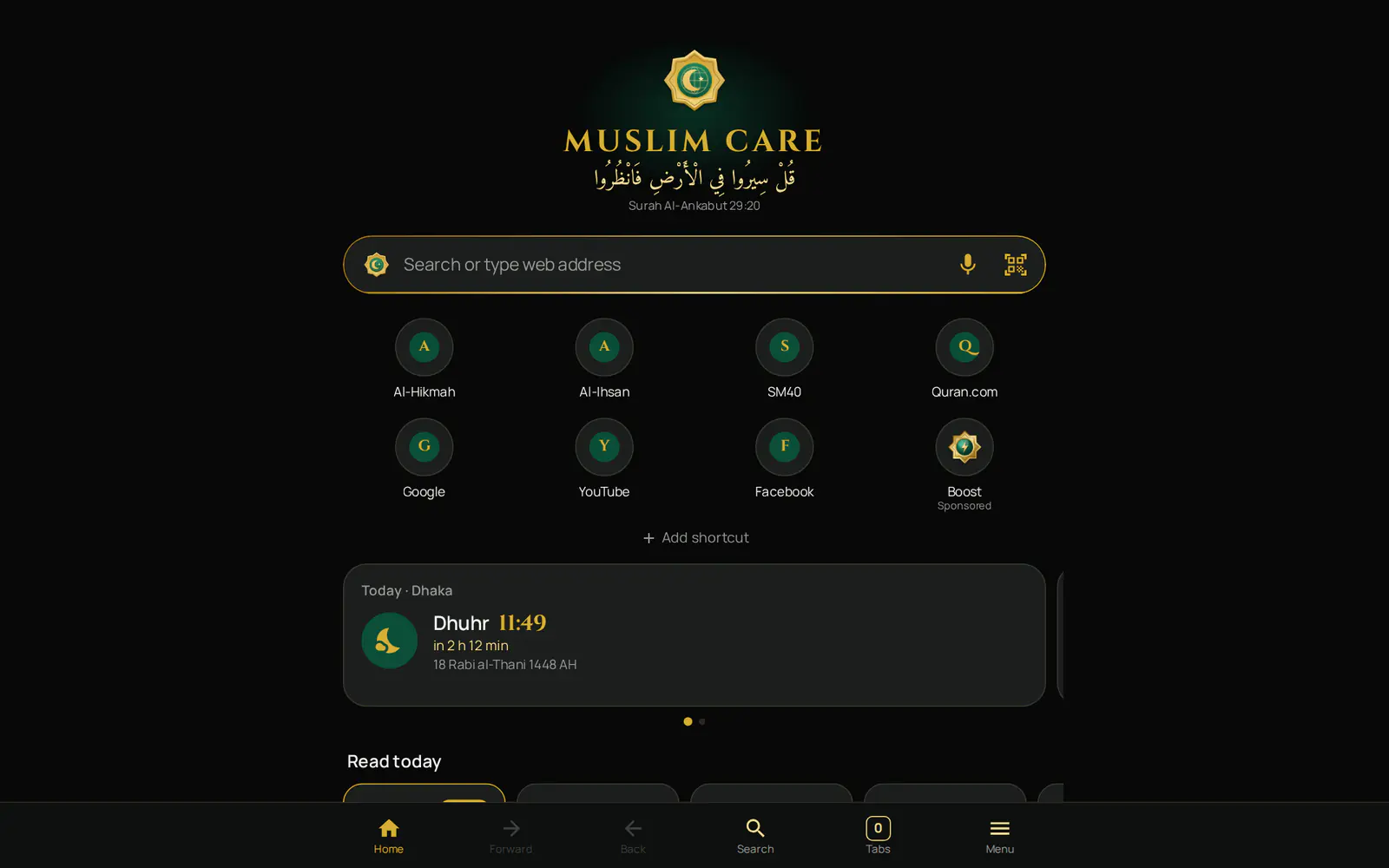
- No Ad | Browser built in (1.7.0 and newer)
- Files go to Downloads\Muslim Chat, call recordings to their own folder, with Open folder
- Runs in the tray with prayer alerts; the Windows app updates itself when idle
Link it to your phone
Install the app and open it: it shows a QR code. On your phone, open Muslim Chat → Menu ⋮ → Linked devices → Link a device and scan it. Your chats appear on the computer, with no password to type. You can also open chat.muslimchat.online in Chrome or Edge.
More than chat
TeamChat lets someone you trust help you on your computer — or you help them — with the screen, mouse and keyboard. No Ad | Browser opens from Communities or the tray menu. Saved files go to Downloads\Muslim Chat and downloaded call recordings to Downloads\Muslim Chat\Call recordings; Settings → Storage and data has an Open folder button.
Close the window and Muslim Chat keeps running in the tray, so messages, calls and prayer alerts still arrive. The Windows app checks for a new version every 30 minutes and installs it when you are not using it (how updates work). Private messages never open on a computer.
Download Muslim Chat for your computer
How to use Computer app
Download for your computer
Choose Windows, Mac or Linux below.
Open the app
It shows a QR code.
Scan with your phone
Muslim Chat on your phone → Menu ⋮ → Linked devices → Link a device.
Computer app in Muslim Chat
কম্পিউটারের জন্য মুসলিম চ্যাট — বাংলায় সংক্ষেপে
উইন্ডোজ, ম্যাক ও লিনাক্সে চ্যাট, ফাইল ও ভয়েস কল। ফোন দিয়ে QR কোড স্ক্যান করে লগইন — পাসওয়ার্ড লাগে না। টিমচ্যাট, নো অ্যাড ব্রাউজার, ট্রে-তে চলা ও নামাজের অ্যালার্টসহ; উইন্ডোজ অ্যাপ নিজে আপডেট হয়।
Computer app: frequently asked questions
How do I use Muslim Chat on my computer?
Install Muslim Chat for Windows, Mac or Linux, open it, and scan the QR code with Muslim Chat on your phone: Menu ⋮ → Linked devices → Link a device.
Can I make calls from my computer?
Yes, voice calls and group calls, with a microphone or headset.
Windows says "Windows protected your PC". What do I do?
Click More info → Run anyway. The app comes straight from the Muslim Chat server.
Does the computer app update itself?
The Windows app does, when you are not using it. Mac and Linux show a notice with a Download button.
More in Muslim Chat
Get Muslim Chat
A hadiya for all Muslim Ummah — on Android, iPhone, Windows, Mac, Linux and the web, with Premium features for those who want more.