Welcome tune at a glance
- Callers hear your tune instead of the ringing sound
- A hadiya for everyone — no Premium needed
- Upload your own: MP3, M4A, AAC, OGG, Opus, WAV or AMR, up to 6 MB
- Or use the 27-second Muslim Chat demo tune with one tap
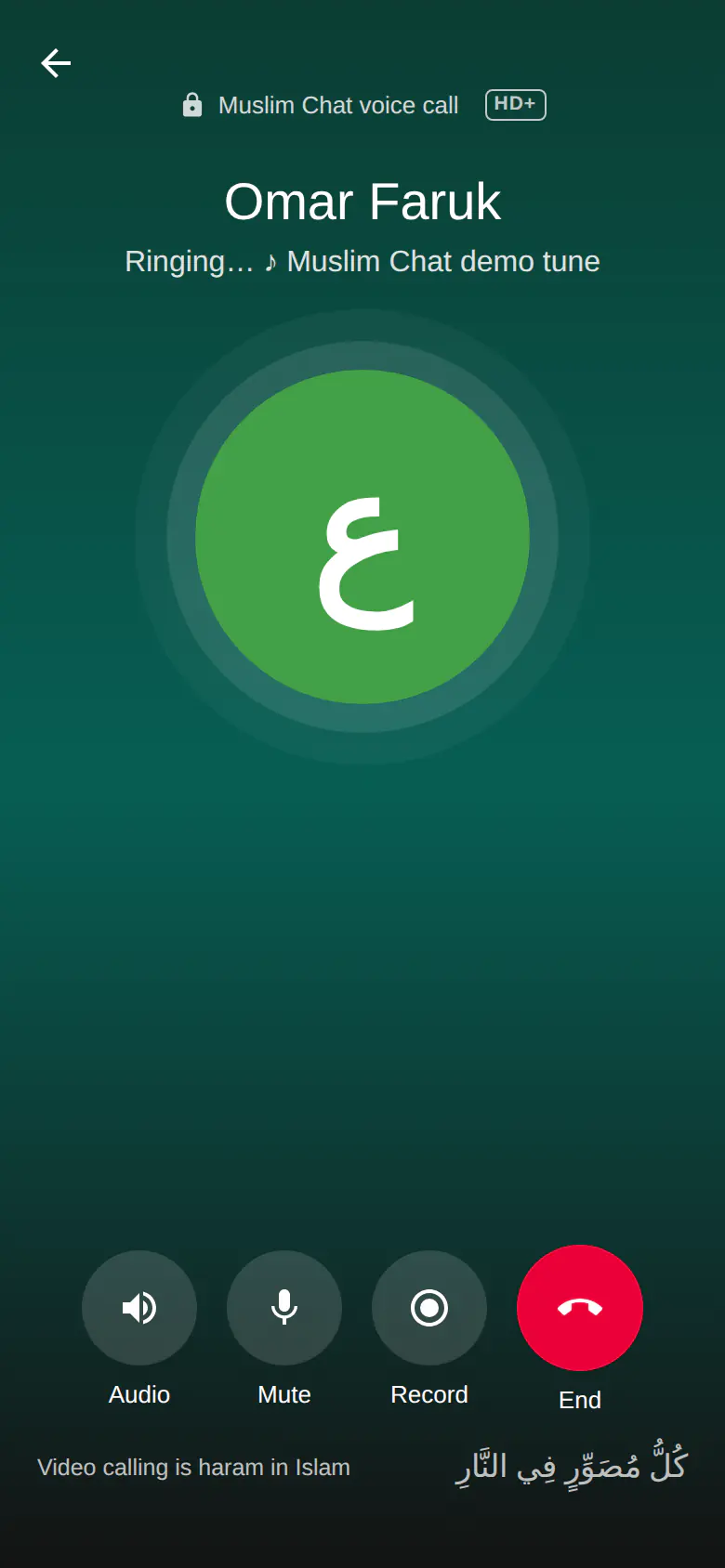
- The caller sees "Ringing… ♪" and the tune's name
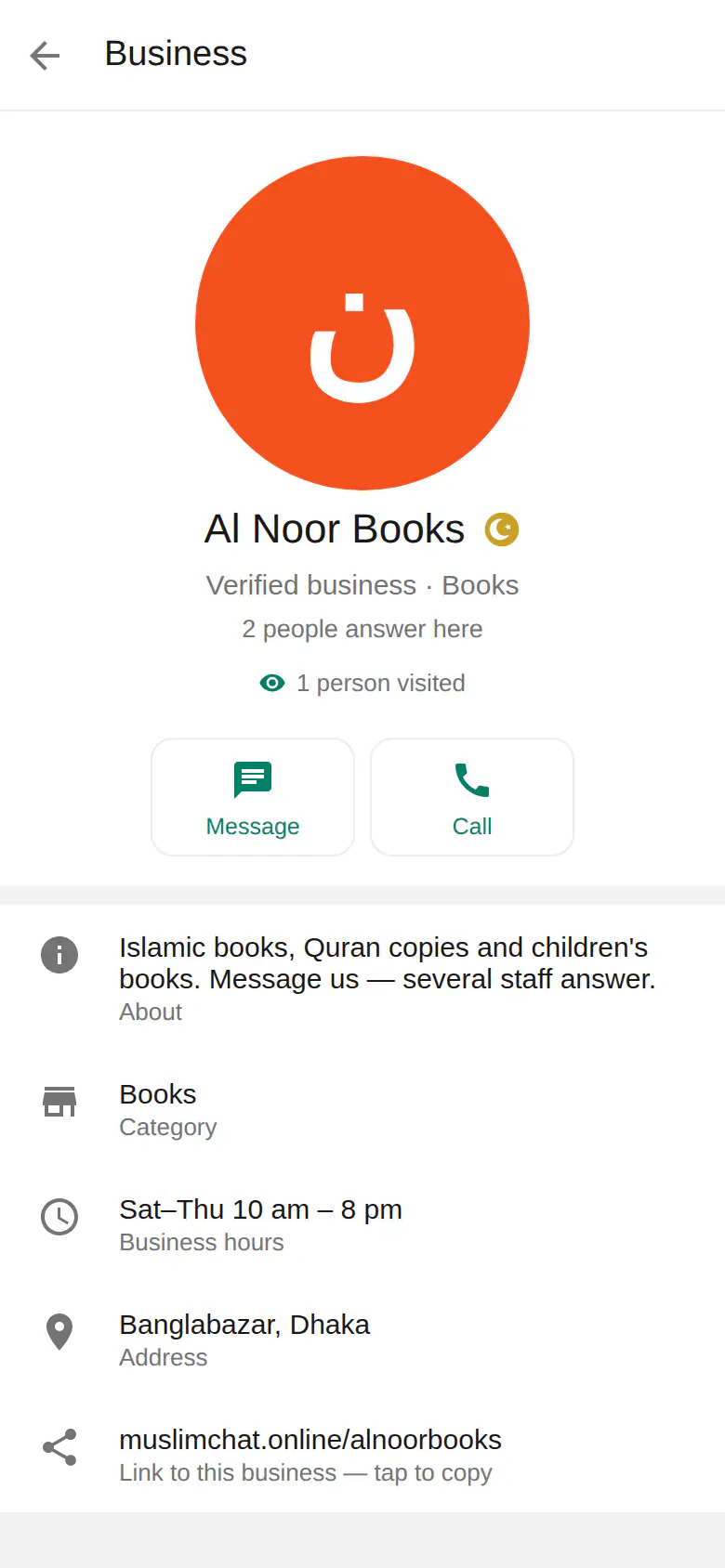
- Businesses can set a welcome tune their customers hear
- Your own ringtone stays a natural sound — never music
How it works
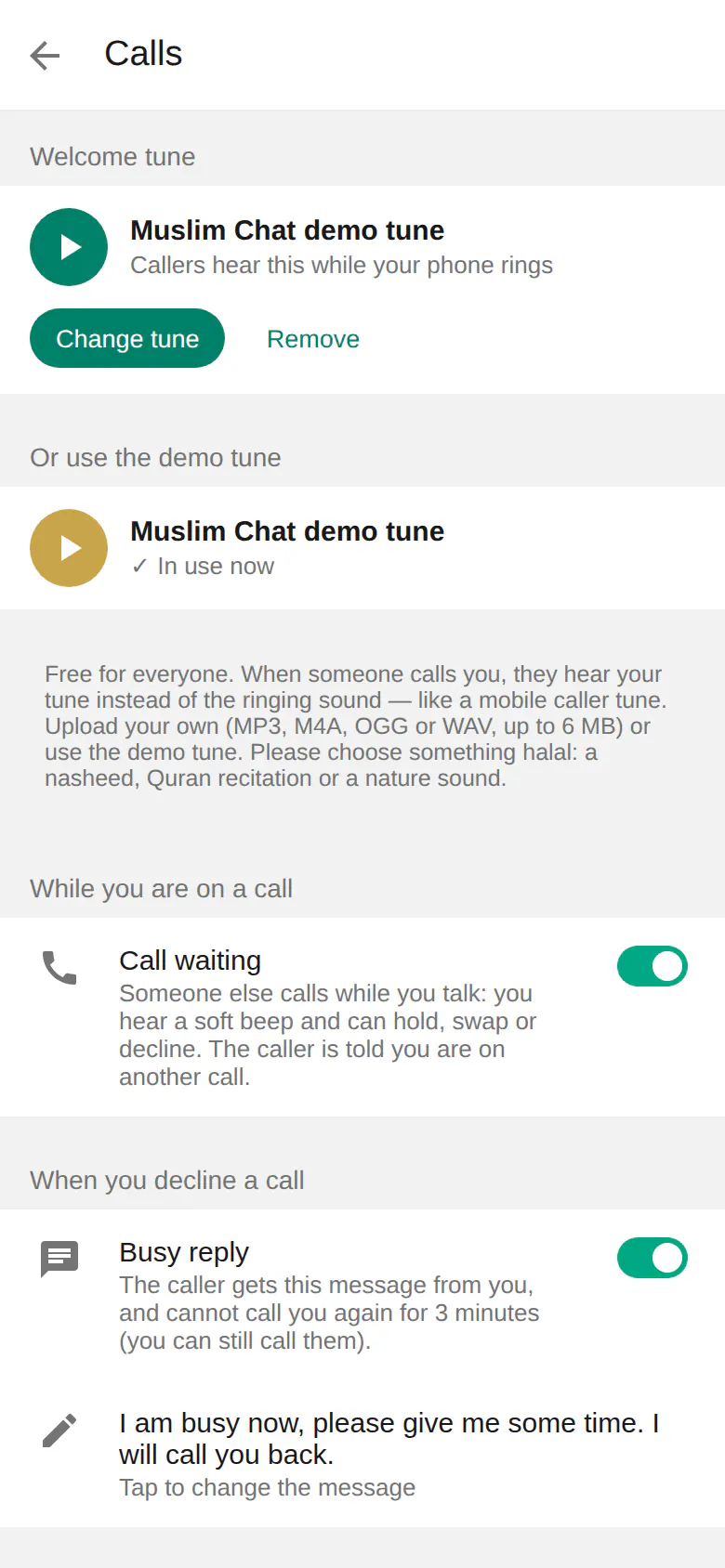
Go to Settings → Calls → Welcome tune and tap Choose a tune to upload a sound file, or Use this under the Muslim Chat demo tune. From then on, when someone calls you, they hear your tune while your phone rings, and their screen shows "Ringing… ♪" with the tune's name. Without a welcome tune, callers hear soft water drops.
Please choose something halal: a nasheed without music, a Quran recitation, or a nature sound.
For businesses
A Verified Business can have its own welcome tune: customers hear it while the business's numbers ring. The owner or an administrator sets it on the business page.
And your own ringtone
Incoming calls ring with a natural sound you choose — a rooster by default — never a music ringtone.
How to use Welcome tune
Open Settings → Calls
The first section is Welcome tune.
Choose a tune
Upload a file of up to 6 MB, or tap Use this for the demo tune.
Done
Callers now hear your tune while your phone rings.
Welcome tune in Muslim Chat
ওয়েলকাম টিউন — বাংলায় সংক্ষেপে
কেউ আপনাকে কল দিলে রিং হওয়ার সময় আপনার পছন্দের সুর শুনবে — মোবাইলের কলার টিউনের মতো, সবার জন্য হাদিয়া। নিজের ফাইল (৬ এমবি পর্যন্ত) দিন বা এক চাপে ডেমো টিউন বেছে নিন। নাশিদ, কুরআন তিলাওয়াত বা প্রকৃতির শব্দ বেছে নিন।
Welcome tune: frequently asked questions
Does the welcome tune cost anything?
No. It is a hadiya for everyone; no Premium is needed.
Which files can I use?
MP3, M4A, AAC, OGG, Opus, WAV or AMR, up to 6 MB.
What do callers hear if I have no tune?
Soft water drops while your phone rings.
Can a business have a welcome tune?
Yes. A Verified Business can set a tune that customers hear while its numbers ring.
More in Muslim Chat
Get Muslim Chat
A hadiya for all Muslim Ummah — on Android, iPhone, Windows, Mac, Linux and the web, with Premium features for those who want more.