Islamic radio, live inside Muslim Chat
Al Hikmah Islamic Radio plays right inside Muslim Chat — near the top of the Communities tab. One tap to listen, and you can keep chatting while it plays.
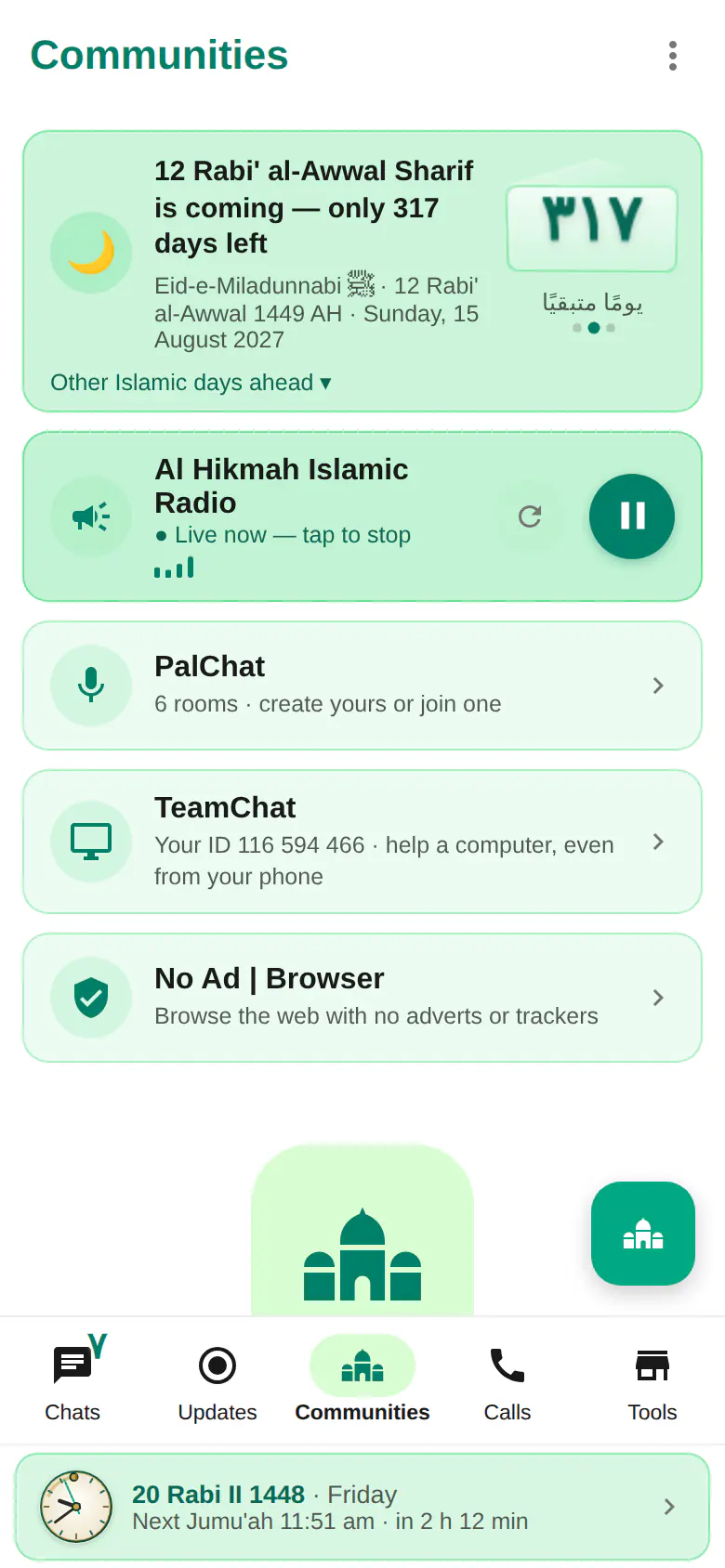
Islamic radio at a glance
- Al Hikmah Islamic Radio, live, near the top of Communities
- Plays inside Muslim Chat — no other app or website needed
- Played through the Muslim Chat server, so it opens reliably on mobile data
- See how many people are listening right now
- Play, stop and reload buttons — it keeps playing while you go back to your chats
- Works on Android, iPhone, Windows, Mac, Linux and the web
For listening to the Quran recited ayah by ayah, see Quran reciters.
One tap to listen
Open the Communities tab and tap ▶ on Al Hikmah Islamic Radio. The card shows "Live now", a small equaliser moves while it plays, and a number shows how many people are listening at the same time. Tap again to stop, or tap the reload button if your connection dropped.
You can go back to your chats while the radio plays; it keeps going until you stop it.
Reliable on any connection
Muslim Chat's server opens the station's stream (following redirects and playlists) and passes it on to you, so the radio starts the same way on Wi-Fi and mobile data, on every device. Like any live audio, it uses data while it plays.
Always on the right stream
If the station changes its stream address, the administrator updates the link — any Icecast, Shoutcast, MP3 or AAC stream, or a .pls / .m3u playlist — and everyone keeps listening right inside Muslim Chat, with nothing to update.
How to use Islamic radio
Open Communities
In Muslim Chat, tap the Communities tab.
Tap play
Tap ▶ on Al Hikmah Islamic Radio.
Keep chatting
Go back to your chats — the radio keeps playing until you stop it.
Islamic radio in Muslim Chat
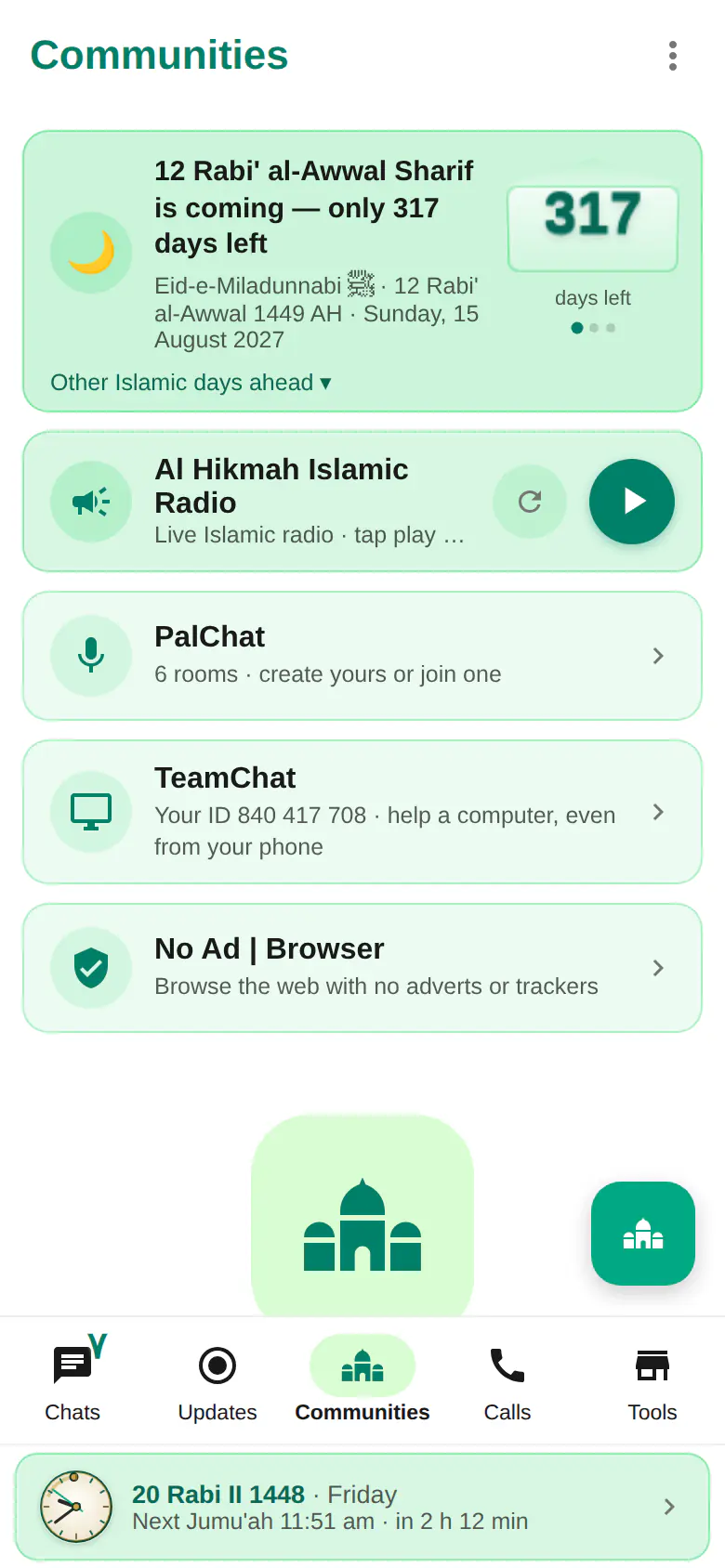
ইসলামিক রেডিও — বাংলায় সংক্ষেপে
মুসলিম চ্যাট অ্যাপের ভেতরেই আল হিকমাহ ইসলামিক রেডিও সরাসরি শুনুন। কমিউনিটিজ ট্যাবে এক চাপে চালু করুন, কতজন একসাথে শুনছেন তাও দেখা যায়। রেডিও চলার সময় চ্যাটও করতে পারবেন।
Islamic radio: frequently asked questions
Which radio station is in Muslim Chat?
Al Hikmah Islamic Radio (al-hikmah.net), live, near the top of the Communities tab.
Do I need another app?
No. The radio plays inside Muslim Chat on Android, iPhone, computers and the web.
Does the radio use mobile data?
Yes, like any live audio stream, while it is playing. Tap stop when you are done.
Can I chat while the radio plays?
Yes. Go back to your chats — the radio keeps playing until you tap stop.
More in Muslim Chat
Get Muslim Chat
A hadiya for all Muslim Ummah — on Android, iPhone, Windows, Mac, Linux and the web, with Premium features for those who want more.