Private messages: a password-protected space
Some conversations are only for you. Private messages live in their own space on your phone, behind a password, in a calm dark look — kept apart from your normal chats.
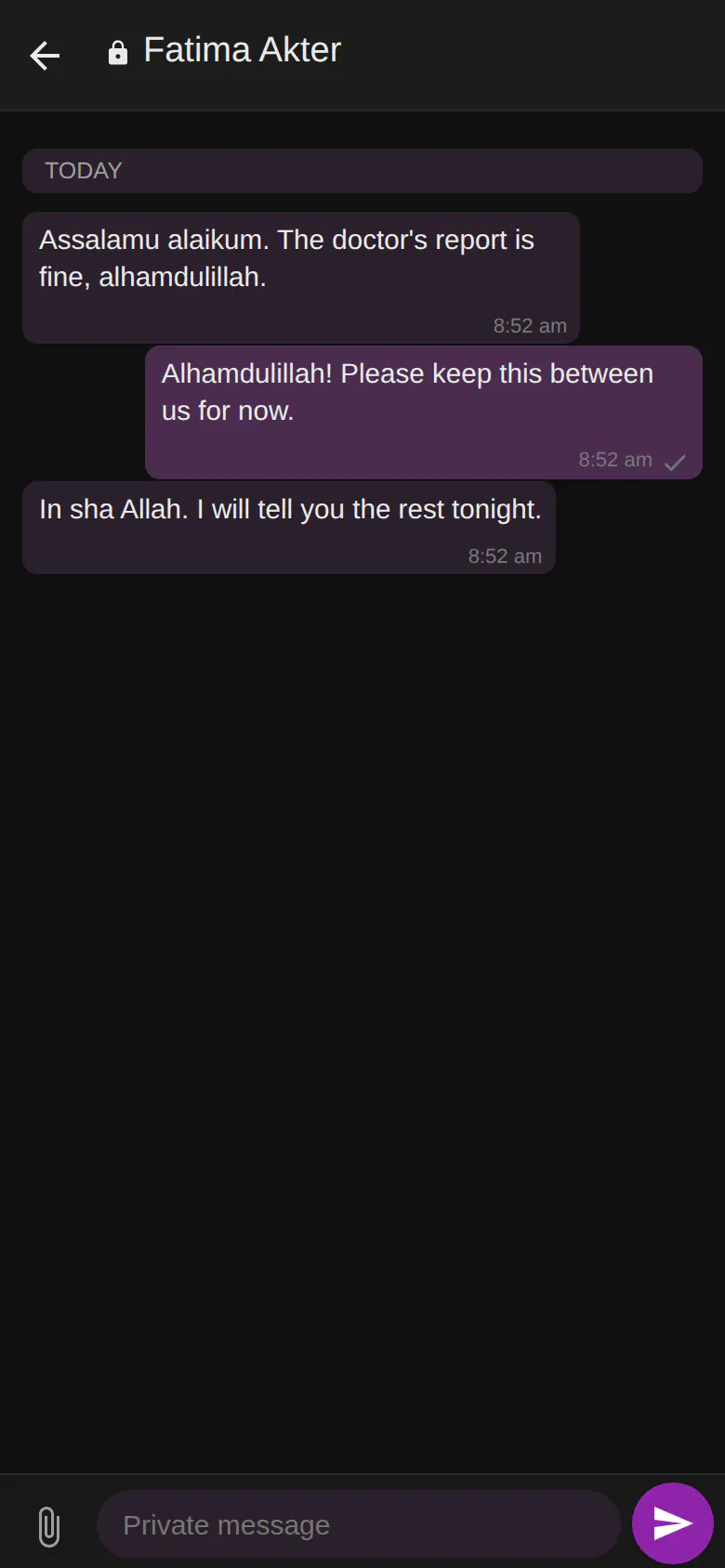
Private messages at a glance
- A separate, password-protected space — like an incognito window
- On your phone only: never opens on a computer or a linked device
- A private password of 4 to 8 digits
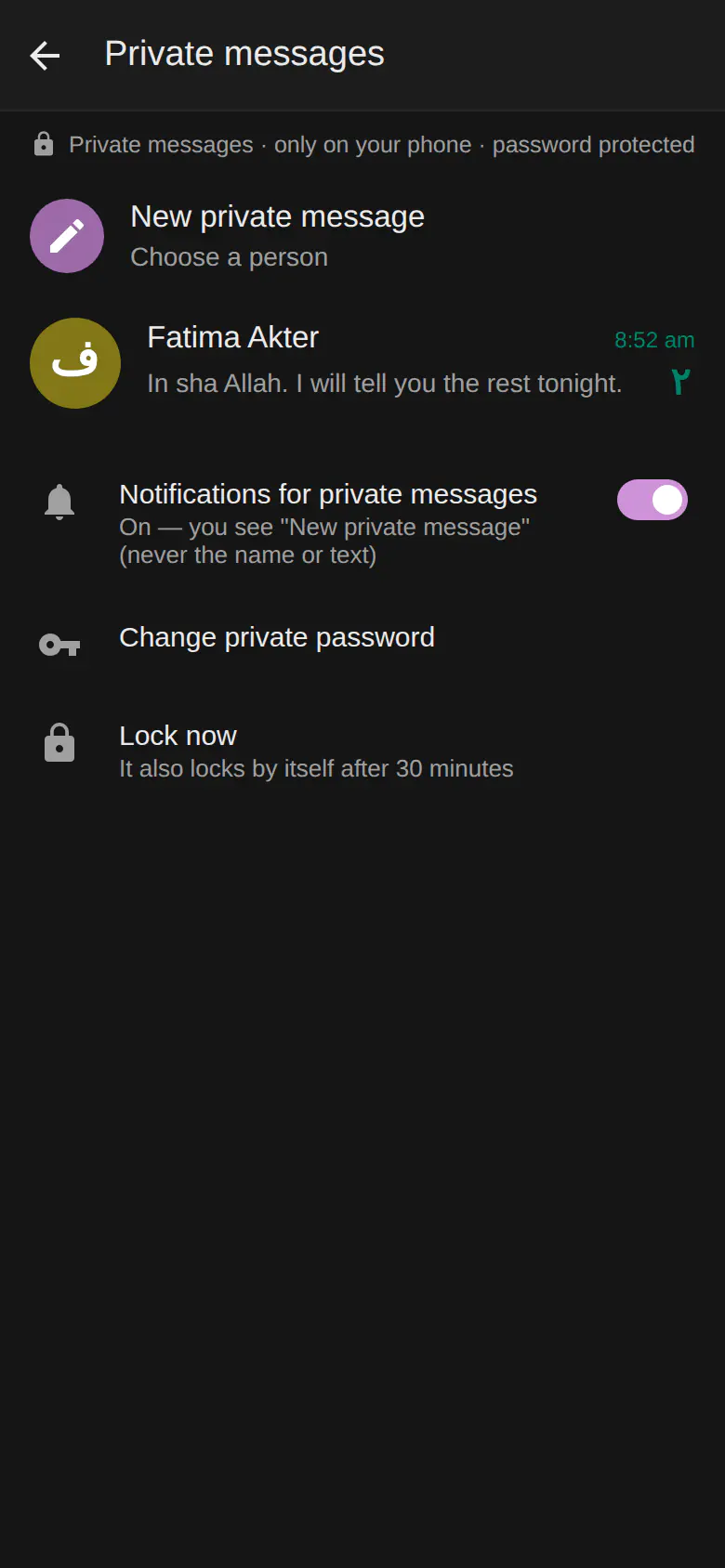
- Locks by itself after 30 minutes, or tap Lock now
- Both people see them under "Private messages"; replies stay private
- Attachments open only when tapped
- Notifications can say just "New private message" — never the name or text — or be off
What makes them private
Private messages are kept apart from your normal chats. They open only on your phone — the Android app, an iPhone or a phone browser — never on a computer or a linked device, and only after you enter your private password. After 30 minutes they lock themselves again, and Lock now locks them at once.
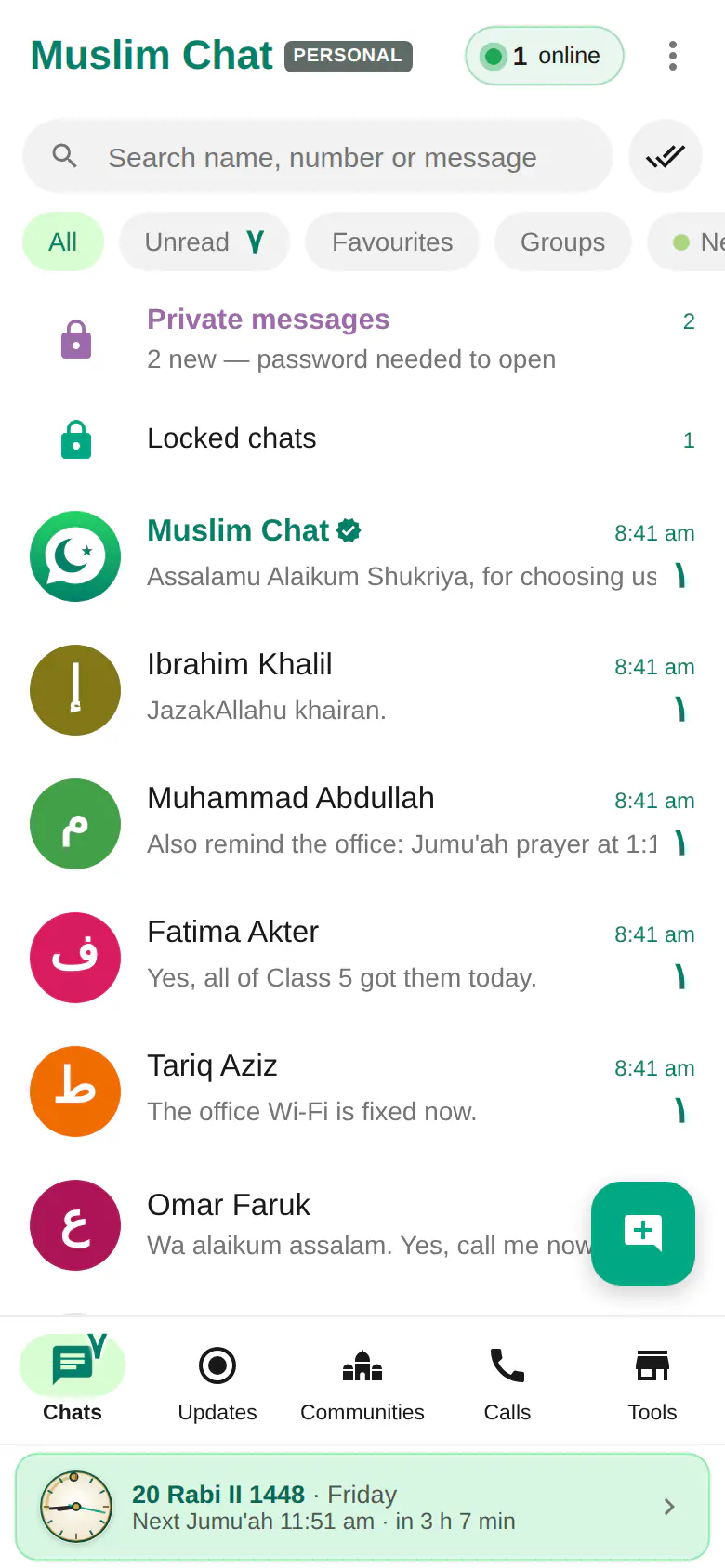
A row at the top of your chat list shows how many new private messages are waiting, without showing who sent them or what they say. Notifications can say just "New private message", or be switched off.
Using private messages
Tap Private messages at the top of your chat list, create your private password the first time, then tap New private message and choose a person. They see your message in their own Private messages, and their replies stay private too. Photos and files open only when tapped.
Good to know
Like all Muslim Chat messages, private messages are stored on the Muslim Chat server and are not end-to-end encrypted. The password keeps them away from someone who picks up your phone, from linked computers and from notifications. For a single chat you simply want out of sight, use hidden (locked) chats.
How to use Private messages
Open Private messages
Tap the Private messages row at the top of your chat list on your phone.
Create your password
Choose 4 to 8 digits. You will need it each time.
Write privately
Tap New private message and choose a person.
Private messages in Muslim Chat
প্রাইভেট মেসেজ — বাংলায় সংক্ষেপে
পরিবার ও ব্যক্তিগত কথার জন্য পাসওয়ার্ড-সুরক্ষিত আলাদা জায়গা — ইনকগনিটো উইন্ডোর মতো। শুধু ফোনে খোলে, কম্পিউটারে কখনো নয়, আর ৩০ মিনিট পর নিজে থেকেই লক হয়ে যায়। নোটিফিকেশনে নাম বা লেখা দেখায় না।
Private messages: frequently asked questions
Can I open private messages on my computer?
No. Private messages open only on your phone, never on a computer or a linked device.
What if I forget to lock them?
They lock themselves after 30 minutes. You can also tap Lock now.
Do notifications show private messages?
Only "New private message" — never the name or the text — or nothing, if you turn them off.
Are private messages end-to-end encrypted?
No. They are stored on the Muslim Chat server like other messages. The password protects them on your phone and keeps them off computers and notifications.
More in Muslim Chat
Get Muslim Chat
A hadiya for all Muslim Ummah — on Android, iPhone, Windows, Mac, Linux and the web, with Premium features for those who want more.